Crestron Home integration
Run Flair from Crestron Home.
The Flair Platform for Crestron Home connects your Flair home through the Flair cloud, with no wiring. Every room in your Flair account becomes a Crestron Home thermostat of its own.
The Flair Platform for Crestron Home is developed and sold by Control Programming LLC (CPLLC).
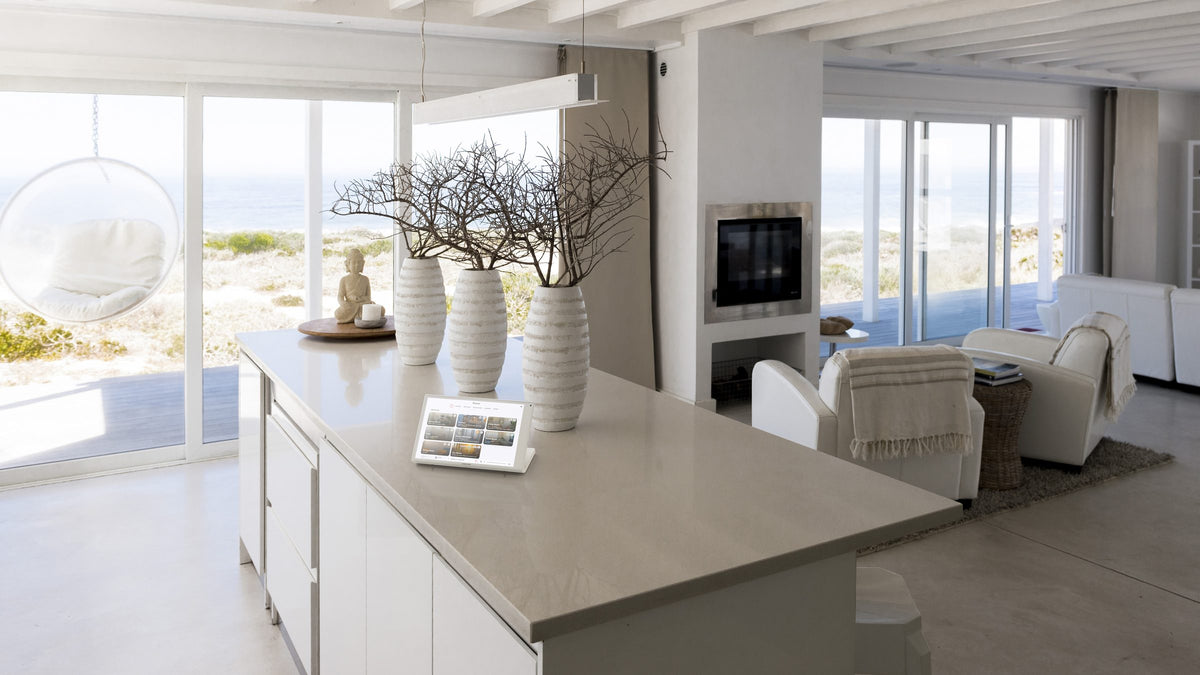
How Flair works with Crestron.
The Flair Platform for Crestron Home, developed and sold by Control Programming LLC (CPLLC), reads your Flair rooms from the Flair cloud and turns each one into a Crestron Home thermostat.
Flair still does the work in each room: Smart Vents balance airflow on ducted systems, and Puck 2 runs your mini splits.
Set up Flair
Install your Flair devices and set up your rooms in the Flair app.
Get the platform
Buy the Flair Platform for Crestron Home from CPLLC and enter its license key.
Connect your account
Add the Client ID and Client Secret from Developer Settings in the Flair app.
Control every room
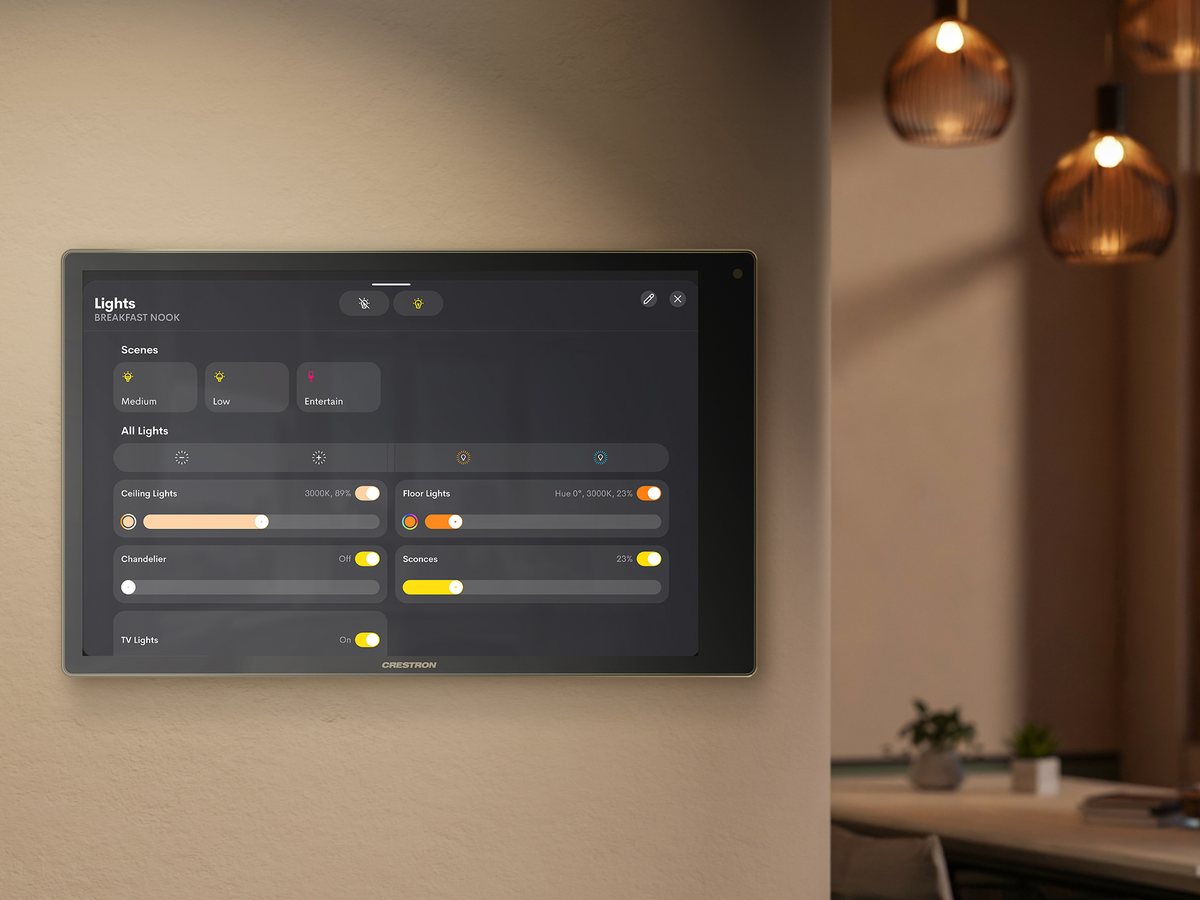
Each room in your Flair account appears in Crestron Home as its own thermostat.
Driver features
What the Crestron driver does.
A thermostat for every room
Every room of every home in your Flair account becomes a Crestron Home thermostat, whether it has Smart Vents, Pucks, remote sensors or a mini split.
Room-by-room control
Set point, temperature display and Active or Inactive control for each room.
Whole-home mode
Switch the Flair home between Heat, Cool, Auto and Off.
Humidity
See humidity for rooms that report it.
Optional PIN lock
Add a PIN lock to any room's page.
Sequences
Use room-level events and actions in Crestron Home sequences, including conditional checks.
Installer notes.
- Requires Crestron Home. Check CPLLC's product page for the OS version.
- Connects through the Flair cloud. Get a Client ID and Client Secret from Developer Settings in the Flair app.
- Polling is on by default and reads rooms every 60 seconds (adjustable from 30 to 3600). Webhook mode needs a public address and port forwarding to the processor's webhook port (default 9981).
- Set Mode changes the mode of the entire Flair home, so it affects every room in that home.
- Enter a platform or CPLLC site license key. Drivers run for two hours without a key for testing.
Works with your system
One platform for every Flair room.
Crestron Home sees every room in your Flair account, whether it's heated and cooled through ducts or by a mini split.
 Central systemsSmart Vents for ducted heating and cooling.Smart Vents open and close room by room to send air where it's needed, working with your thermostat.Smart Vent zoning ›
 Mini splitsPuck 2 for ductless heat pumps.Puck 2 talks directly to your mini split head unit with infrared, just like your remote, and reads the temperature where you are.Ductless controls ›
FAQ
Questions about Flair and Crestron.
Does Flair work with Crestron?
Where do I buy the Crestron driver for Flair?
Does it need any wiring?
Does the Crestron driver work with mini splits?
Can I change the mode for one room?
What do I need to set it up?
Which Flair products do I need?
Get started
Bring Flair into Crestron Home.
Get the Flair Platform from CPLLC, then build the Flair system for your home.
Crestron and Crestron Home are trademarks of their respective owner. The Flair Platform for Crestron Home is developed and sold by Control Programming LLC. Product images and logos are the property of their respective owners.