
Amazon Alexa
Set the temperature with Alexa.
Flair works with Amazon Alexa. Ask Alexa to set the temperature for your whole home or a single room, or check the temperature in any room.

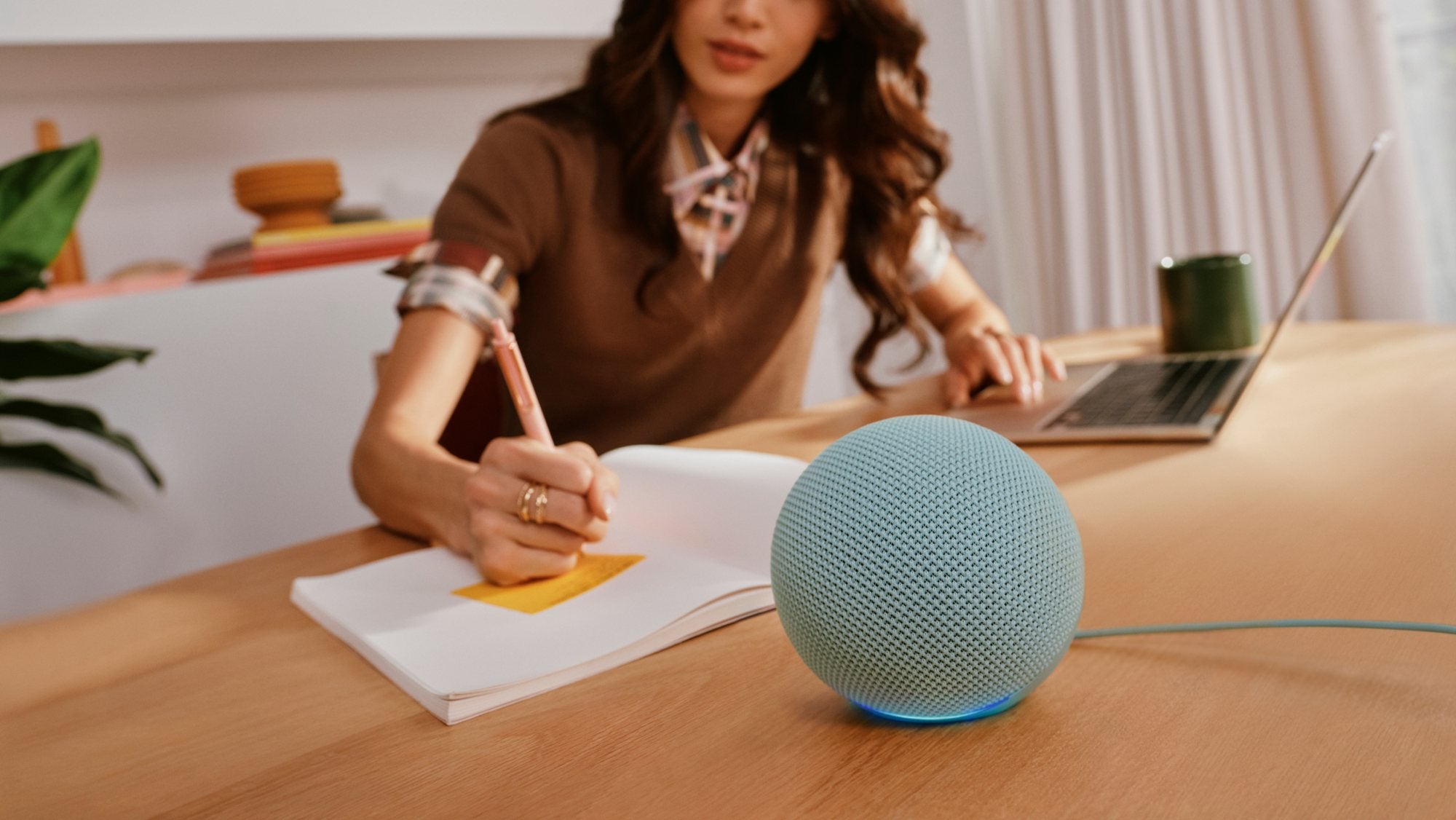
Things you can ask Alexa.
Use the room names you set up in the Flair app.
Alexa, set the living room to 72.
Change the set point for one room.
Alexa, set the house to 70.
Change the set point for your whole home.
Alexa, what's the temperature in the nursery?
Check the current temperature in any room.
Alexa, what is the bedroom set to?
Check the set point for any room.
Comfort made simple.
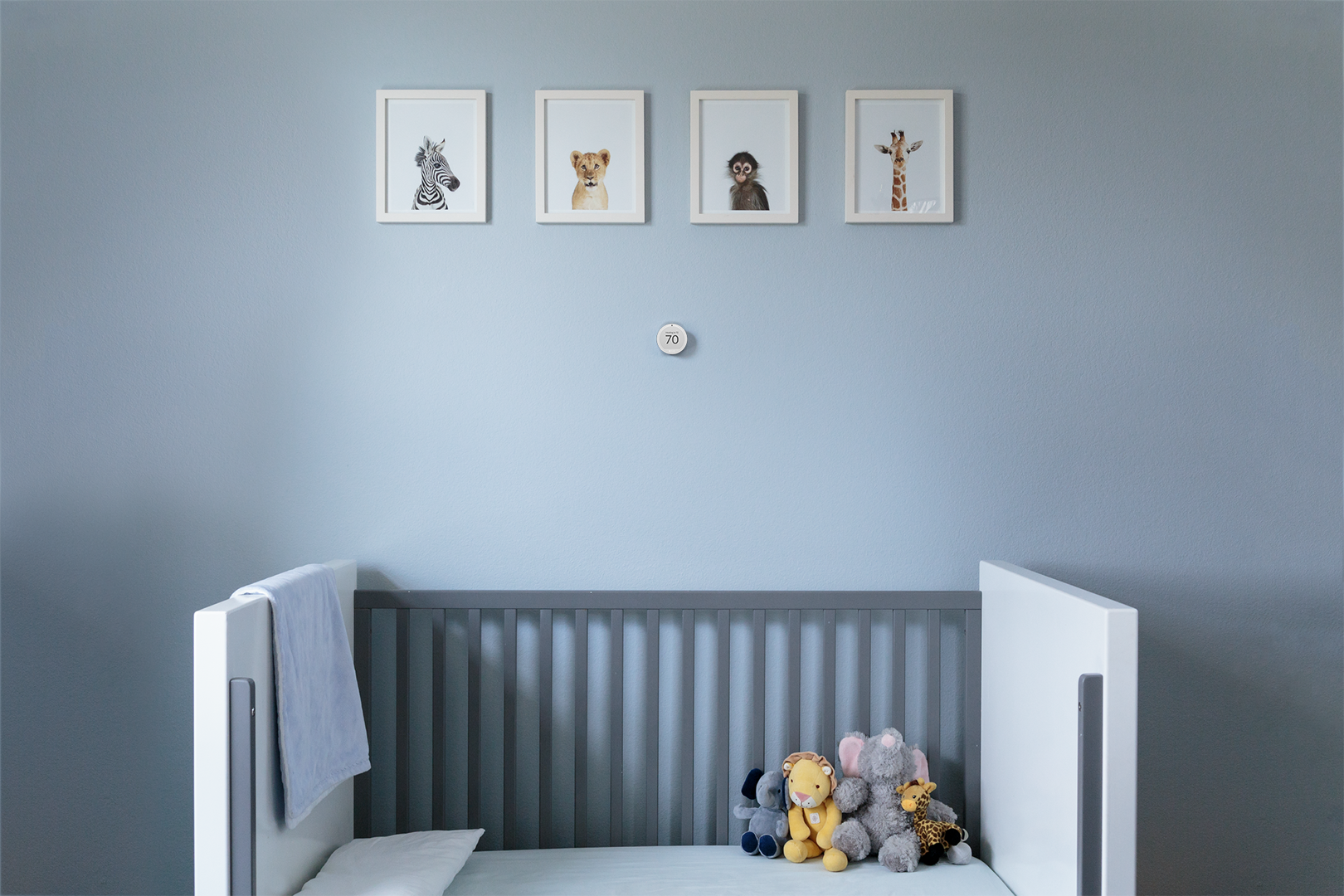
Want to make sure your baby is sleeping at the right temperature? Ask Alexa what the temperature is in the nursery, without opening the door.
Flair controls each room on its own, so the nursery can stay at 68 while the rest of the house sits at 72.
Setup
Connect Flair in a few minutes.
Set up Flair
Install your Flair devices and name your rooms in the Flair app.
Add the Flair skill
In the Alexa app, find the Flair skill and enable it.
Link your account
Sign in with your Flair account so Alexa can see your rooms.
Start talking
Ask Alexa to set or check any room by the name you gave it in Flair.
Also works with Google Home.
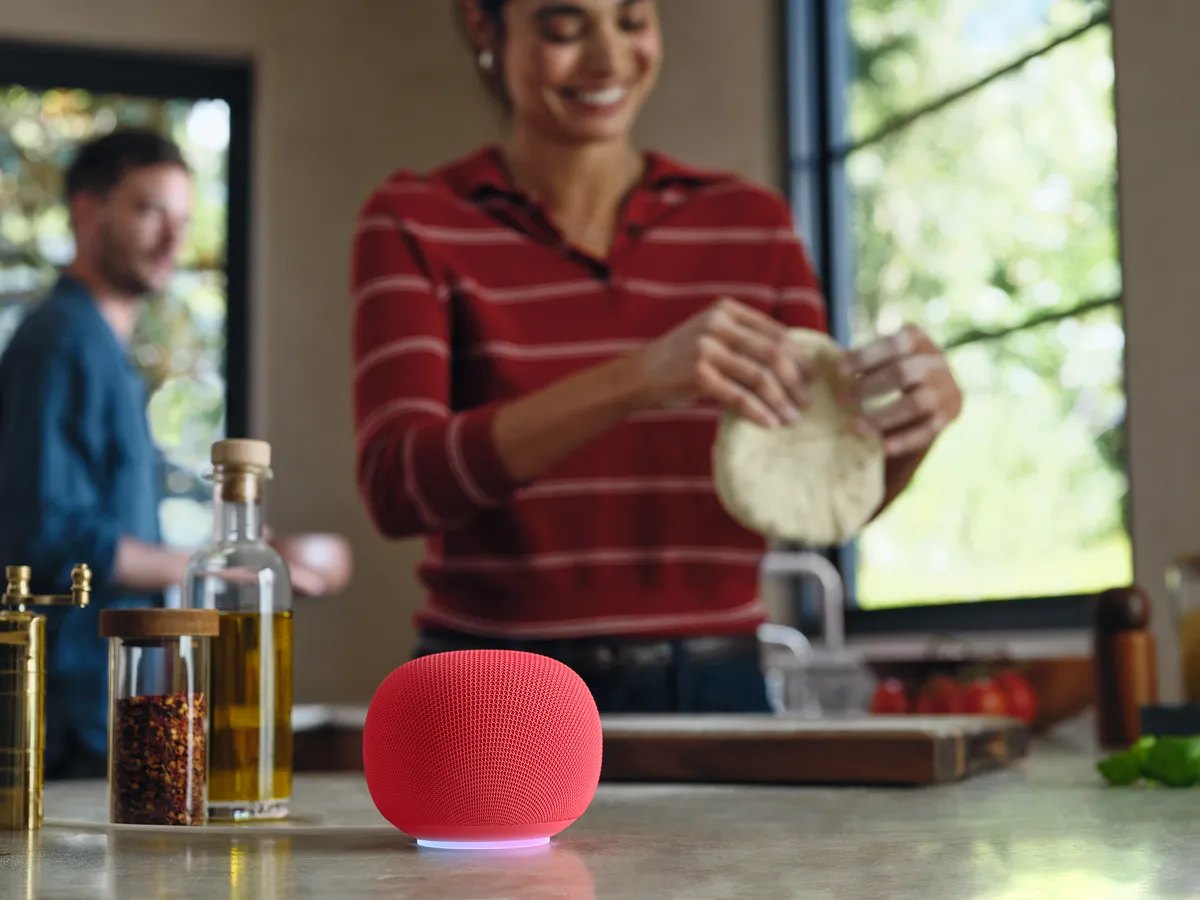

Prefer Google? Get the same room-by-room voice control with Google Home and your Google speakers and displays.
FAQ
Questions about Flair and Alexa.
Does Flair work with Amazon Alexa?
What can I ask Alexa to do with Flair?
How do I connect Flair to Alexa?
Does Alexa work with Flair Smart Vents and mini splits?
Does Flair work with Google Home too?
Get started
Add Flair to your smart home.
Smart Vents for central systems, Puck 2 for mini splits. Both work with Alexa.
Amazon, Alexa, Echo and all related marks are trademarks of Amazon.com, Inc. or its affiliates. Google and Google Home are trademarks of Google LLC. Product images and badges are the property of their respective owners.