
Black Friday: Puck 2 is on sale for the first time
For We Clean Heat Pumps customers
Your mini split is clean. Now make it smart.
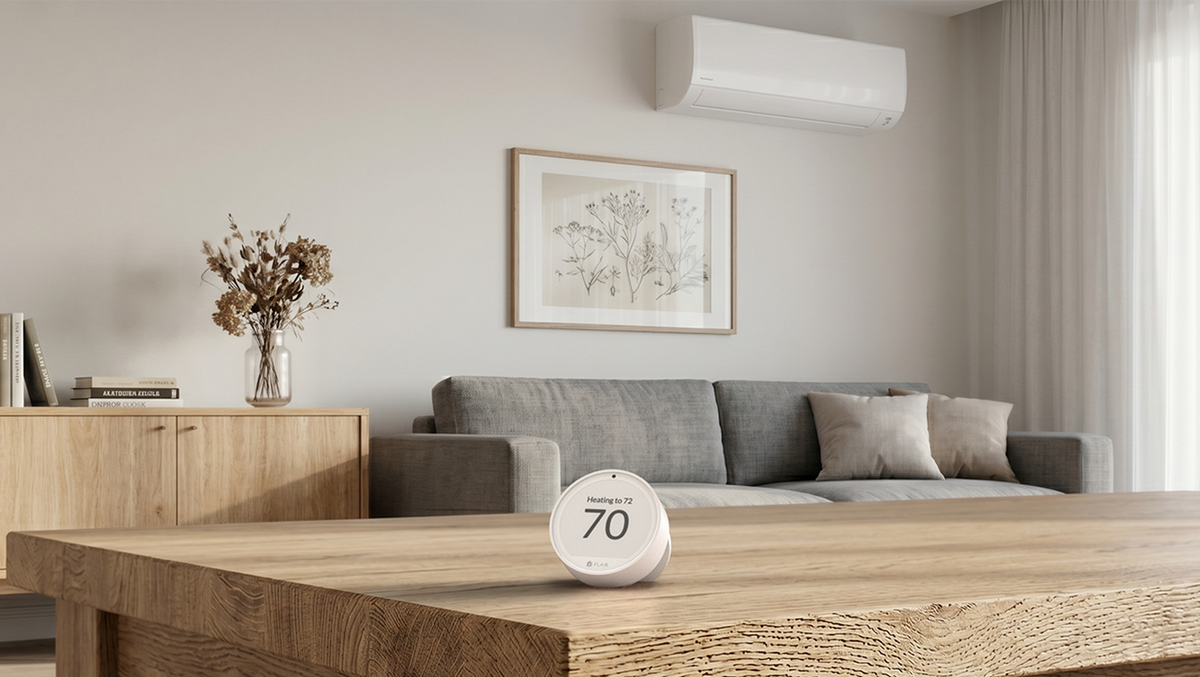
You trust We Clean Heat Pumps to keep your heat pump running clean. We've partnered with them so you can get more from it every day. Flair Puck 2 is a wireless smart thermostat for your mini split. It reads the temperature where you actually are and controls your unit from the app, by voice or on a schedule.
Now $105.00 (was $124.00). Sale ends Dec 2 at 11:59 PM PT.
Get started
Choose your Pucks.
You need one Puck 2 for each indoor head unit. Add a Bridge to run them all wire-free.
A clean system, run the smart way.
A professional cleaning keeps your heat pump healthy and running the way it should. How you run it day to day matters too.
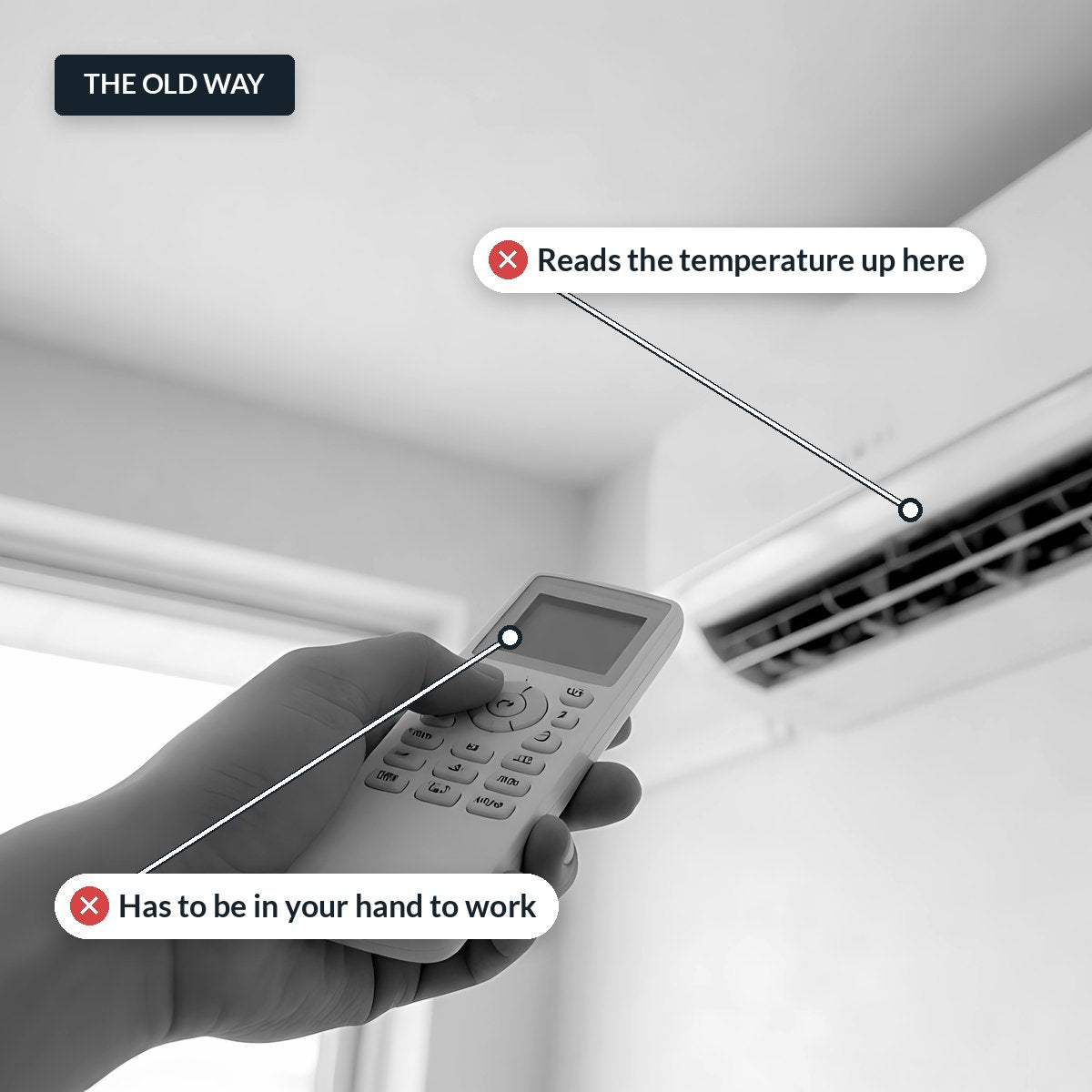
Your mini split decides how warm the room is by reading the air at the unit, usually high on the wall. The room you're sitting in can be several degrees off, so you keep reaching for the remote. And the remote can't run a schedule, turn things down when you leave, or show you what's happening at home while you're out.
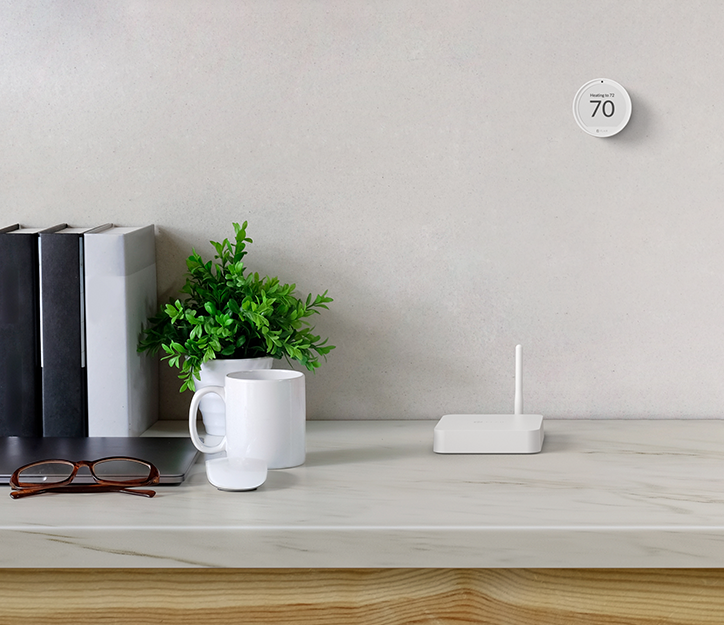
Puck 2 fixes that. It sits on the wall or a table in the room you use and sends infrared commands straight to your head unit, just like your remote. No wiring and no manufacturer Wi-Fi adapter.
Why Puck 2
What you get with Flair.

Comfort where you are
RoomSense™ reads the temperature where you sit, not up at the unit, and fine-tunes your mini split until the room matches your set point.

Control from anywhere
Set the temperature in any room from the Flair app on iOS, Android or the web, whether you're on the couch or away from home.

Voice control
Works with Amazon Alexa and Google Assistant. Just ask for the room and temperature you want.

7-day schedules
Set a schedule for each room, so your mini split warms or cools the room before you need it.

Smart Away
Flair sets your unit back when nobody's home, so you aren't paying to heat or cool an empty house.

No phone needed
Turn the Puck to change the temperature, just like a thermostat. Easy for guests and anyone who doesn't use the app.
How it works
Set up in three steps.
-
1. Check your remote
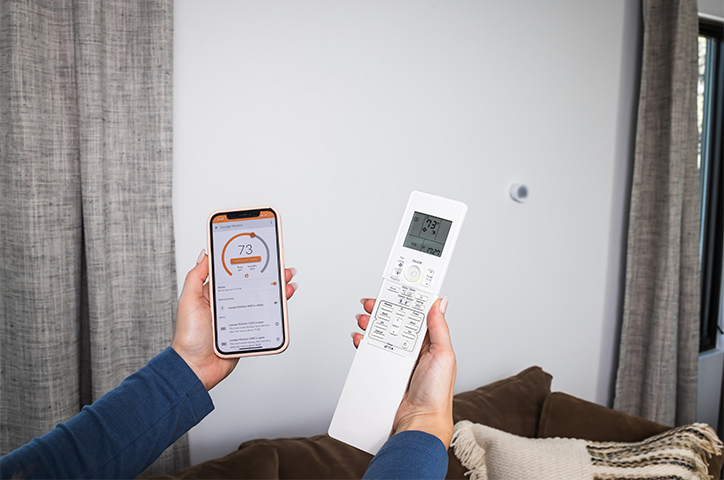
- If your remote has a display that shows the temperature, mode and fan speed you're setting, Puck 2 works with your mini split.
- That covers 275+ brands, including Mitsubishi, Daikin, Fujitsu, Gree and LG. Check compatibility.
-
2. Place one Puck per head unit
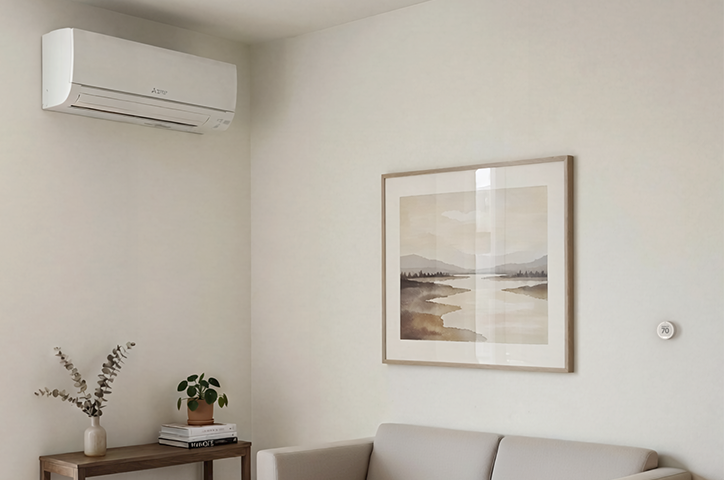
- Put each Puck 2 in the room its head unit serves, with a clear line of sight to the unit.
- Mount it on the wall or stand it on a table. Screws and adhesive are included.
-
3. Connect in the Flair app
- The app identifies your system from its remote during setup, and you can copy the setup to your other units.
- With a Bridge, your Pucks run wire-free on batteries. Without one, each Puck plugs in to an outlet.
- Your original remote keeps working too.
FAQ
Questions about Puck 2.
Will Puck 2 work with my mini split?
How many Pucks do I need?
Do I need a Flair Bridge?
Do I need my manufacturer's Wi-Fi adapter?
Will my remote still work?
What if it's not right for me?
Flair is a partner of We Clean Heat Pumps. Mini split brand names are trademarks of their respective owners. Flair is not affiliated with or endorsed by them. Amazon, Alexa and all related marks are trademarks of Amazon.com, Inc. or its affiliates. Google is a trademark of Google LLC.